Radial menu with slow motion
Hold a key and a ring of weapons and items opens around the hero while the world slows down. An add-on for any game.
What it does
Hold a key, the right mouse button or a touch button (or long-press the screen) and a ring of 4-8 slots (weapons, items.
Made fortop-down action RPGs and adventure games with several weapons, items or spellsside-scrolling action games and platformers with a quick-select wheeltwin-stick and arena shooters (weapon wheel)any real-time game that wants a calm moment to choose without a full pause menu
Moments
Four moments from the demo
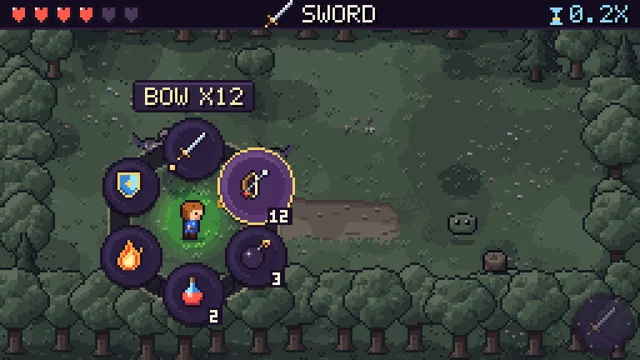 Play from here
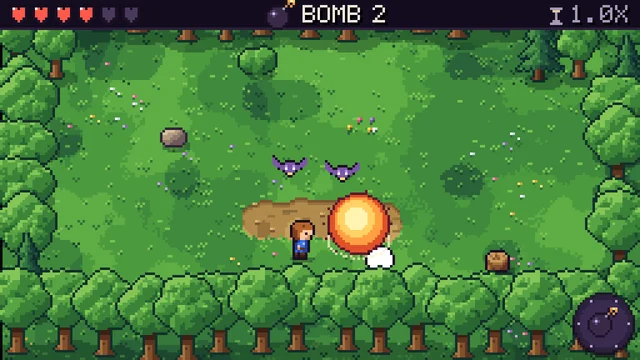 Play from here
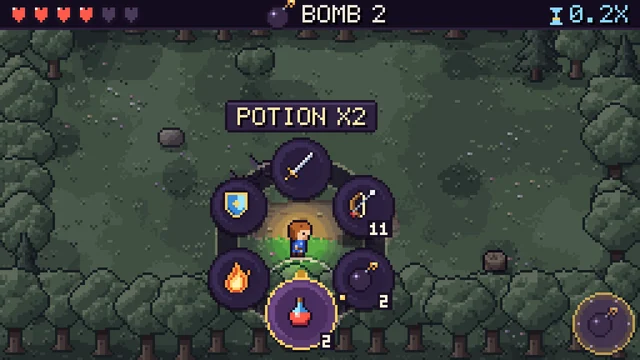 Play from here
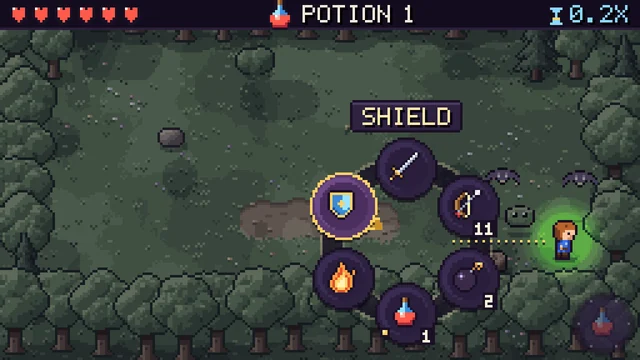 Play from here
Take it home
Hand it to your agent
- Copy the prompt. It is written for a game your agent has never seen.
- Give it the module (
radial-slowmo.js) and its README. - Play your game. The prompt ends with checks your agent can run.
# Add Radial menu with slow motion to my game

Add the game element below to MY existing game, which you have not seen. It is a finished module file given with this prompt:

- `radial-slowmo.js` (one global, `GameDNA_RadialSlowmo`), API reference `radial-slowmo.README.md`

README example names are placeholders.

## Shared premises

1. **Include each module file verbatim; never edit it.** Load it with its own `<script src>` before the game's script, or paste it unchanged into its own `<script>` tag. If a module seems to need a change, adapt my game around it and tell me.
2. **Resolution:** keep my game's native resolution and integer scaling as they are. Call module draw functions on my 2D context inside the same transform as my sprites (one module pixel = one game pixel), and keep my game's own image-smoothing setting (off for pixel art, on for smooth or HD games; never switch it).
3. **Time:** drive every module from one fixed 60 Hz step (1000 / 60 ms). If my loop uses variable delta time, accumulate it and run whole steps (at most 250 ms per frame).
4. **Coordinates:** native screen pixels (world minus camera) unless a section says tiles.
5. **Art and names:** anything new you draw or name is original (no real game, character, place or brand names); English UI text; do not restyle my game.
6. **Hook, don't replace:** add calls or change bodies; never delete or rename a function.
Open the whole prompt
Works well with
Combine it
Also pairs well with
Real-time sword combatThree-hit combos, telegraphed enemies and real dodges.
Horde survival auto-attackerA hero who only walks while weapons fire by themselves at swarms that grow every minute.
Tower placement & wave spawnerTowers beside a winding road, waves you can preview, upgrades and a boss.
Pseudo-3D flight groundFly low over a tilted, rotating ground.
Farming plotsTill, plant and water plots that grow overnight, then harvest and ship through the seasons.
Arcade kart racer (3D)A 3D kart race with drifts that charge boosts, jumps, rivals and a two-race cup.