Shaped inventory packing
A bag where every item has a shape you rotate and fit, with stacking, swapping and sorting. An add-on for any game.
✦ AI art Some pictures in this demo (characters, backdrops or UI frames) were made with an AI image generator. The element's code draws nothing generated. About the art
What it does
A grid bag where every item takes its real shape (1x1 potions, 1x3 staves, a 5-cell axe, L, T, S and plus pieces).
Made foraction RPGs and dungeon crawlers with lootsurvival and extraction games where space is the limitroguelites with a backpack of relicstop-down adventures with a bag screentrading and crafting games
Tested: 18/22 runs on unseen games passed · visual review 7.8
Moments
Four moments from the demo
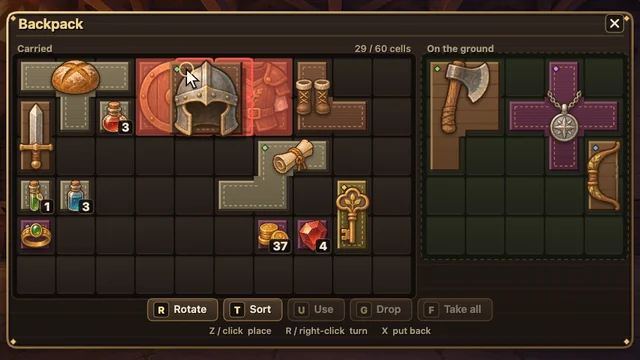 Play from here
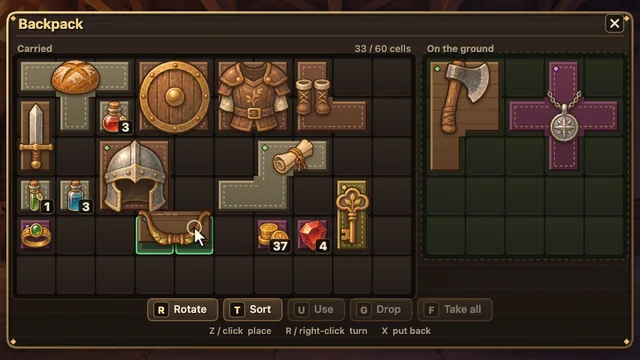 Play from here
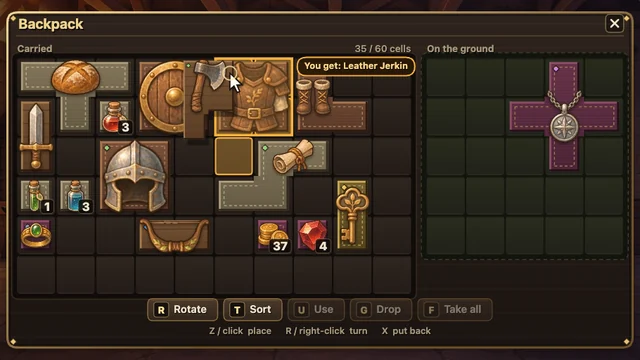 Play from here
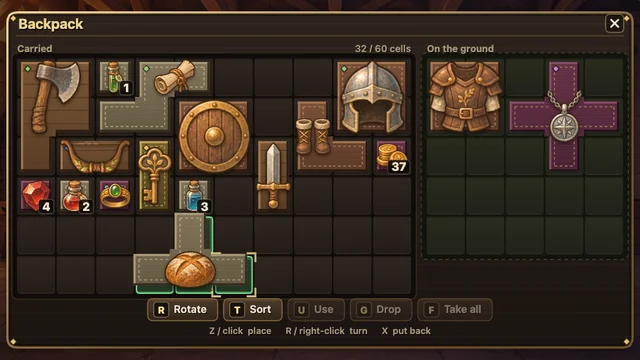 Play from here
Take it home
Hand it to your agent
- Copy the prompt. It is written for a game your agent has never seen.
- Give it the module (
shaped-inventory.js) and its README. - Play your game. The prompt ends with checks your agent can run.
# Add Shaped inventory packing to my game

Add the game element below to MY existing game, which you have not seen. It is a finished module file given with this prompt:

- `shaped-inventory.js` (one global, `GameDNA_ShapedInventory`), API reference `shaped-inventory.README.md`

README example names are placeholders.

## Shared premises

1. **Include each module file verbatim; never edit it.** Load it with its own `<script src>` before the game's script, or paste it unchanged into its own `<script>` tag. If a module seems to need a change, adapt my game around it and tell me.
2. **Resolution:** keep my game's native resolution and integer scaling as they are. Call module draw functions on my 2D context inside the same transform as my sprites (one module pixel = one game pixel), and keep my game's own image-smoothing setting (off for pixel art, on for smooth or HD games; never switch it).
3. **Time:** drive every module from one fixed 60 Hz step (1000 / 60 ms). If my loop uses variable delta time, accumulate it and run whole steps (at most 250 ms per frame).
4. **Coordinates:** native screen pixels (world minus camera) unless a section says tiles.
5. **Art and names:** anything new you draw or name is original (no real game, character, place or brand names); English UI text; do not restyle my game.
6. **Hook, don't replace:** add calls or change bodies; never delete or rename a function.
Open the whole prompt
Works well with
Combine it
Also pairs well with
Combat forecast windowSee damage, hit chance and counters before you commit.
Conditional tactic rulesUnits that act by your rules, and say which rule fired.
Enemy threat rangeShow every tile an enemy could strike next turn.
Bevelled window + pointer cursorClassic framed menus with a bobbing pointer.
Turn-order barA strip of portraits showing who acts next.
Springy UI motionMenus that open, pop and settle with a little bounce.