Procedural IK creatures
Spiders, crabs and centipedes whose legs step on the real ground, up ledges and over rocks. An add-on for any game.
What it does
The game's ground-walking foes become many-legged creatures (spider, crab, centipede) whose feet plant on the game's own ground with 2-bone IK and step when stretched.
Made forside-scrolling platformer / action (crawlers, a crab boss)top-down action RPG (spiders, a centipede boss)metroidvania, dungeon crawler, horror (cave creatures)any game with walking foes that look stiff
Tested: 20/20 runs on unseen games passed · visual review 7.6
Moments
Four moments from the demo
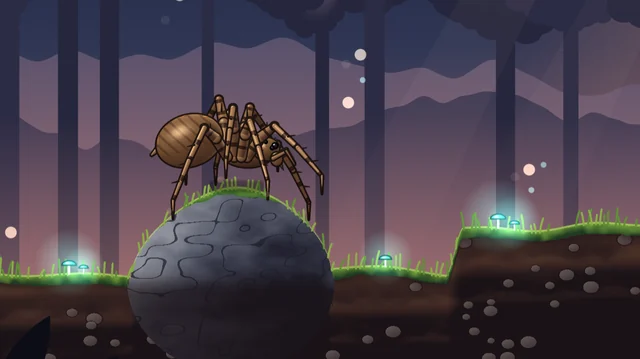 Play from here
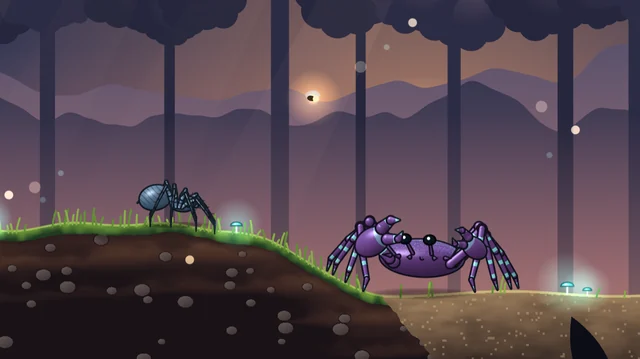 Play from here
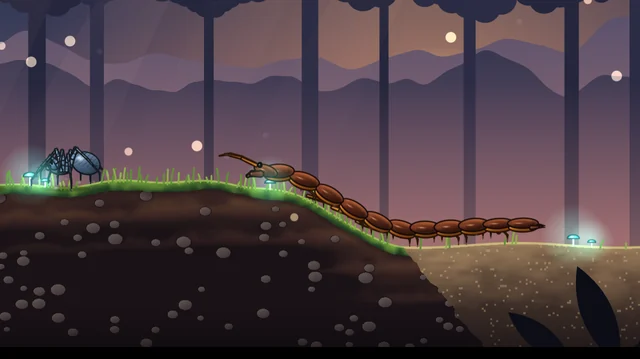 Play from here
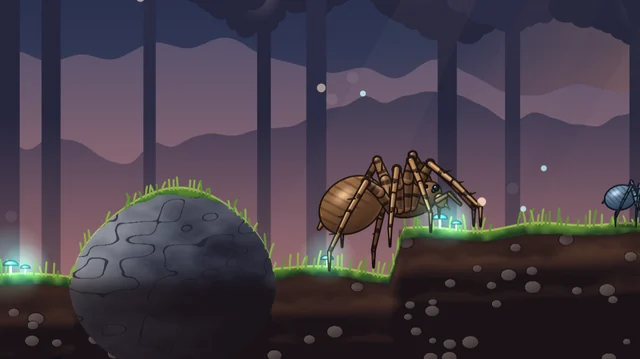 Play from here
Take it home
Hand it to your agent
- Copy the prompt. It is written for a game your agent has never seen.
- Give it the module (
ik-creatures.js) and its README. - Play your game. The prompt ends with checks your agent can run.
# Add Procedural IK creatures to my game

Add the game element below to MY existing game, which you have not seen. It is a finished module file given with this prompt:

- `ik-creatures.js` (one global, `GameDNA_IKCreatures`), API reference `ik-creatures.README.md`

README example names are placeholders.

## Shared premises

1. **Include each module file verbatim; never edit it.** Load it with its own `<script src>` before the game's script, or paste it unchanged into its own `<script>` tag. If a module seems to need a change, adapt my game around it and tell me.
2. **Resolution:** keep my game's native resolution and integer scaling as they are. Call module draw functions on my 2D context inside the same transform as my sprites (one module pixel = one game pixel), and keep my game's own image-smoothing setting (off for pixel art, on for smooth or HD games; never switch it).
3. **Time:** drive every module from one fixed 60 Hz step (1000 / 60 ms). If my loop uses variable delta time, accumulate it and run whole steps (at most 250 ms per frame).
4. **Coordinates:** native screen pixels (world minus camera) unless a section says tiles.
5. **Art and names:** anything new you draw or name is original (no real game, character, place or brand names); English UI text; do not restyle my game.
6. **Hook, don't replace:** add calls or change bodies; never delete or rename a function.
Open the whole prompt
Works well with
Combine it
Also pairs well with
Hit sparks & spell burstsSlashes, bursts and shockwaves where hits land.
Hit-stop, shake & flashA frozen beat, a shake and a flash on big hits.
Physics debris & breakablesCrates, barrels and rocks that shatter into pieces that tumble, bounce off walls and settle.
Active-time gauge battleGauges fill in real time, so every turn feels urgent.
Four-move menu battle with type matchupsPick one of four moves; type matchups decide the damage.
Real-time sword combatThree-hit combos, telegraphed enemies and real dodges.