Bullet-pattern emitter
Enemies cast fans, rings, spirals and flowers of bullets, always with a gap to slip through. An add-on for any game.
What it does
Enemies cast bullet patterns described as data: fans and aimed bursts, rings, spirals, flowers whose speed dips between petals, weaving waves, curtain walls with a moving gap, big orbs that burst into rings.
Made fortop-down action RPG (enemies and bosses that cast)twin-stick and vertical / horizontal shootersside-scrolling action and platformers (turrets, casters, falling rain)boss fights in any real-time 2D gamearena survival gamesany 2D canvas game, pixel or HD
Moments
Four moments from the demo
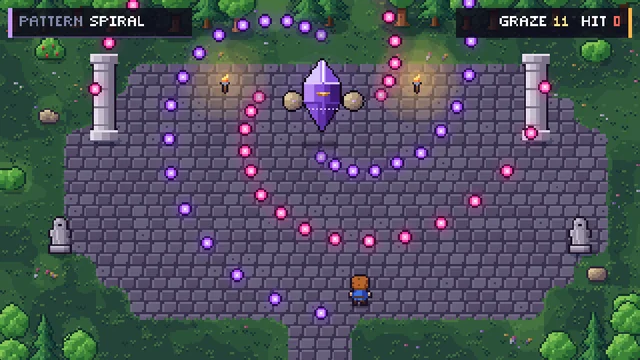 Play from here
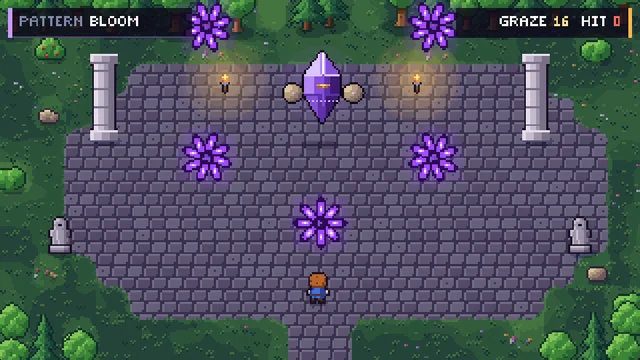 Play from here
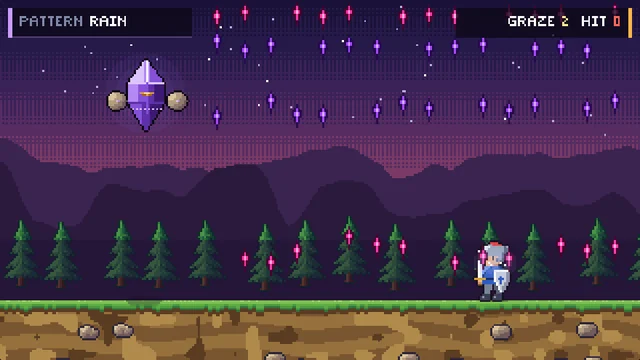 Play from here
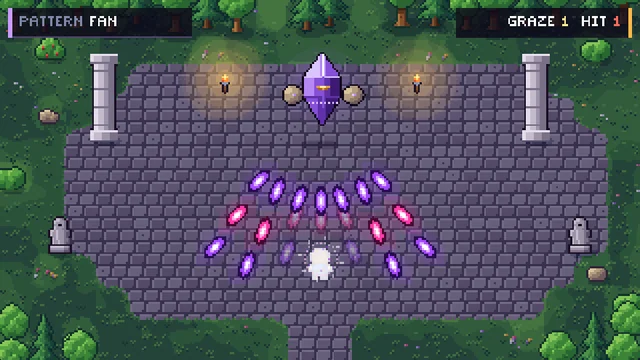 Play from here
Take it home
Hand it to your agent
- Copy the prompt. It is written for a game your agent has never seen.
- Give it the module (
bullet-patterns.js) and its README. - Play your game. The prompt ends with checks your agent can run.
# Add Bullet-pattern emitter to my game

Add the game element below to MY existing game, which you have not seen. It is a finished module file given with this prompt:

- `bullet-patterns.js` (one global, `GameDNA_Bullets`), API reference `bullet-patterns.README.md`

README example names are placeholders.

## Shared premises

1. **Include each module file verbatim; never edit it.** Load it with its own `<script src>` before the game's script, or paste it unchanged into its own `<script>` tag. If a module seems to need a change, adapt my game around it and tell me.
2. **Resolution:** keep my game's native resolution and integer scaling as they are. Call module draw functions on my 2D context inside the same transform as my sprites (one module pixel = one game pixel), and keep my game's own image-smoothing setting (off for pixel art, on for smooth or HD games; never switch it).
3. **Time:** drive every module from one fixed 60 Hz step (1000 / 60 ms). If my loop uses variable delta time, accumulate it and run whole steps (at most 250 ms per frame).
4. **Coordinates:** native screen pixels (world minus camera) unless a section says tiles.
5. **Art and names:** anything new you draw or name is original (no real game, character, place or brand names); English UI text; do not restyle my game.
6. **Hook, don't replace:** add calls or change bodies; never delete or rename a function.
Open the whole prompt
Works well with
Combine it
Also pairs well with
Active-time gauge battleGauges fill in real time, so every turn feels urgent.
Four-move menu battle with type matchupsPick one of four moves; type matchups decide the damage.
Real-time sword combatThree-hit combos, telegraphed enemies and real dodges.
Card battle with intentsPlay cards against foes that show what they will do next.
Horde survival auto-attackerA hero who only walks while weapons fire by themselves at swarms that grow every minute.
Auto-resolved squad clash with forecastSquad fights that play out exactly as the forecast said.